
Three progression paths to keep separate
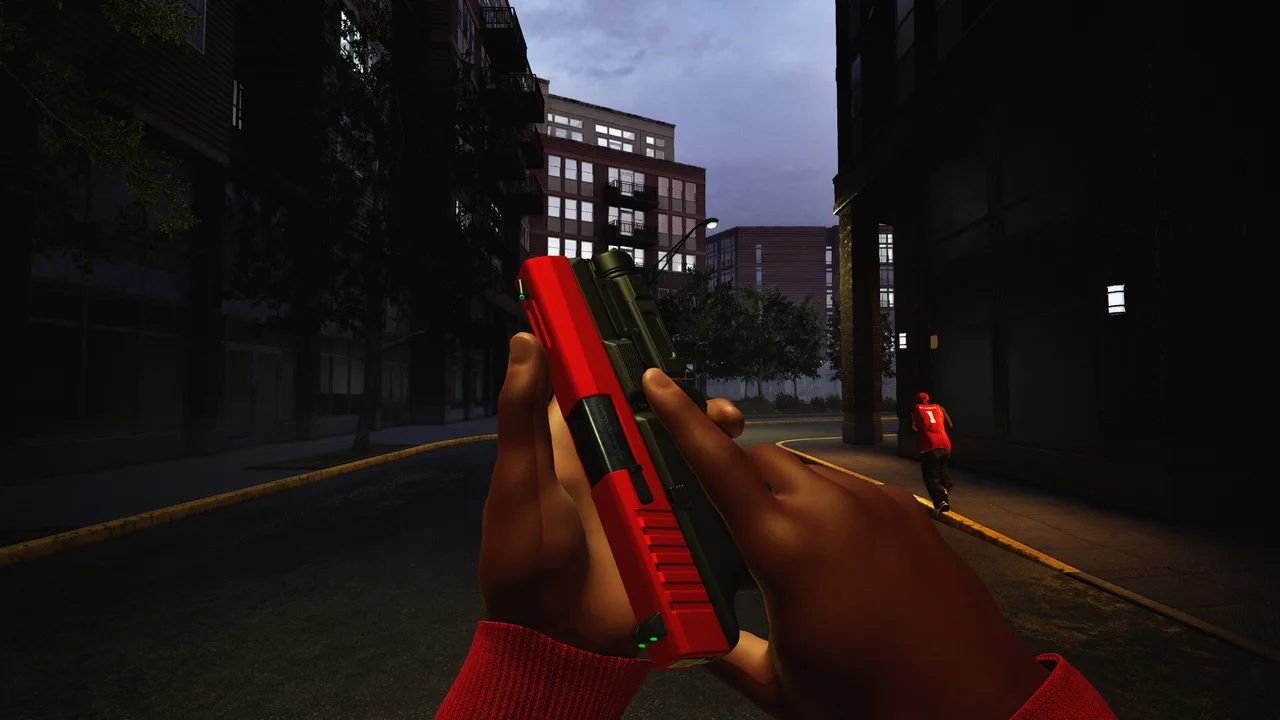
The source does not publish a complete, verified weapon list or unlock table. This guide therefore does not invent named weapons, damage numbers, recoil values, challenge thresholds or “best gun” rankings. A screenshot of a weapon is visual evidence, not enough to certify its in-game name or stats.
| Goal | Confirmed route | Check in your game |
|---|---|---|
| Weapons & equipment | Matches and level progression. | Current level, available unlock and its menu description. |
| Attachments | Weapon challenges. | Exact challenge text and current progress. |
| Weapon skins | Kills using that weapon. | The displayed skin counter and required threshold. |
Confirmed attachment categories
The official description explicitly mentions sights, magazines, grips and suppressors. Loadouts also include perks and equipment. Those category names confirm customization exists; they do not establish how a particular attachment changes handling, range, damage or sound.
- Read the current in-game description before equipping an attachment. Do not assume it follows another shooter’s trade-offs.
- Check whether the unlock is tied to the weapon you are currently using. Skin progress and attachment challenges are described separately.
- Inspect perks and equipment as separate parts of the loadout. No verified perk list or effect values are supplied in the source set.
A useful way to compare changes
A bot session can help you get familiar with the selected map and mode. Whether it awards XP or advances challenges is not confirmed by the official text. Use the game’s progress display to verify what your session actually changed.
If a preset or progress display looks wrong
Patch 1.0.10 announced fixes for loadout presets and progression display. Check your installed version before assuming a missing item is an unlock rule. If an issue remains, record the weapon, preset and challenge text and report the observable behavior through the game’s Steam community.