
Unlock workbench
Add a challenge from your game
Your goals
Game counts and sample estimates are shown separately.
No goals yet
Copy one challenge and its current counter from the game to start.
Worked example: target 100, current 20
Hypothetical values · not a game unlock requirement
Suppose you enter a target of 100 and the game shows 20. This demonstrates the calculation; it does not add a goal to your tracker.
- Remaining
- 100 − 20 = 80
- Sample
- 20 valid progress in 2 matches and 10 minutes
- Observed rate
- 10 per match; 2 per minute
- Estimate from that sample
- 8 matches, or 40 minutes
Adding the sample does not change Current to 40. After playing, update Current from the game. If a mode or patch changes the pace, remove irrelevant old samples and record recent sessions.
You can keep zero-progress samples, but they cannot establish an ETA on their own. An estimate is not a promise; queue and menu time are included only when you enter them.
How the estimates work
Remaining progress is target minus current progress, never below zero. Completion is capped at 100%. Estimated matches divide the remaining amount by your observed progress per match and round up; estimated time uses the minutes per observed unit of progress. A completed goal shows zero remaining, matches and time.
Session logs are rate samples only: adding or removing one never changes Current progress. Update Current yourself from the latest in-game counter, which avoids counting the same session twice. A session with zero valid progress is still useful evidence and produces no rate by itself. Estimates appear only after your logs contain positive valid progress.
Estimates are samples, not a promise of completion time. Include queue and menu minutes only if you want them represented.
Local storage, backup and recovery
Goals autosave under one browser key shared by the English and Chinese pages. No tracker data is sent to this site, Steam or Trapstar Games. JSON export creates a local backup; import validates the format, field ranges, goal count and file size before asking whether to replace current data.
If saved data is corrupt, the tool leaves the existing value untouched and offers it for download. If browser storage is unavailable, the page reports that autosave is unavailable so you can export before leaving. Deleting a goal and importing a backup both provide an immediate undo path.
What this tracker does not know
The Steam listing describes how weapons, attachments and skins unlock, but does not publish a complete challenge table. Copy the condition from your current build. A narrower condition is not interchangeable with overall kills; parallel challenges are not consecutive time estimates.
A weapon picture cannot supply a challenge counter
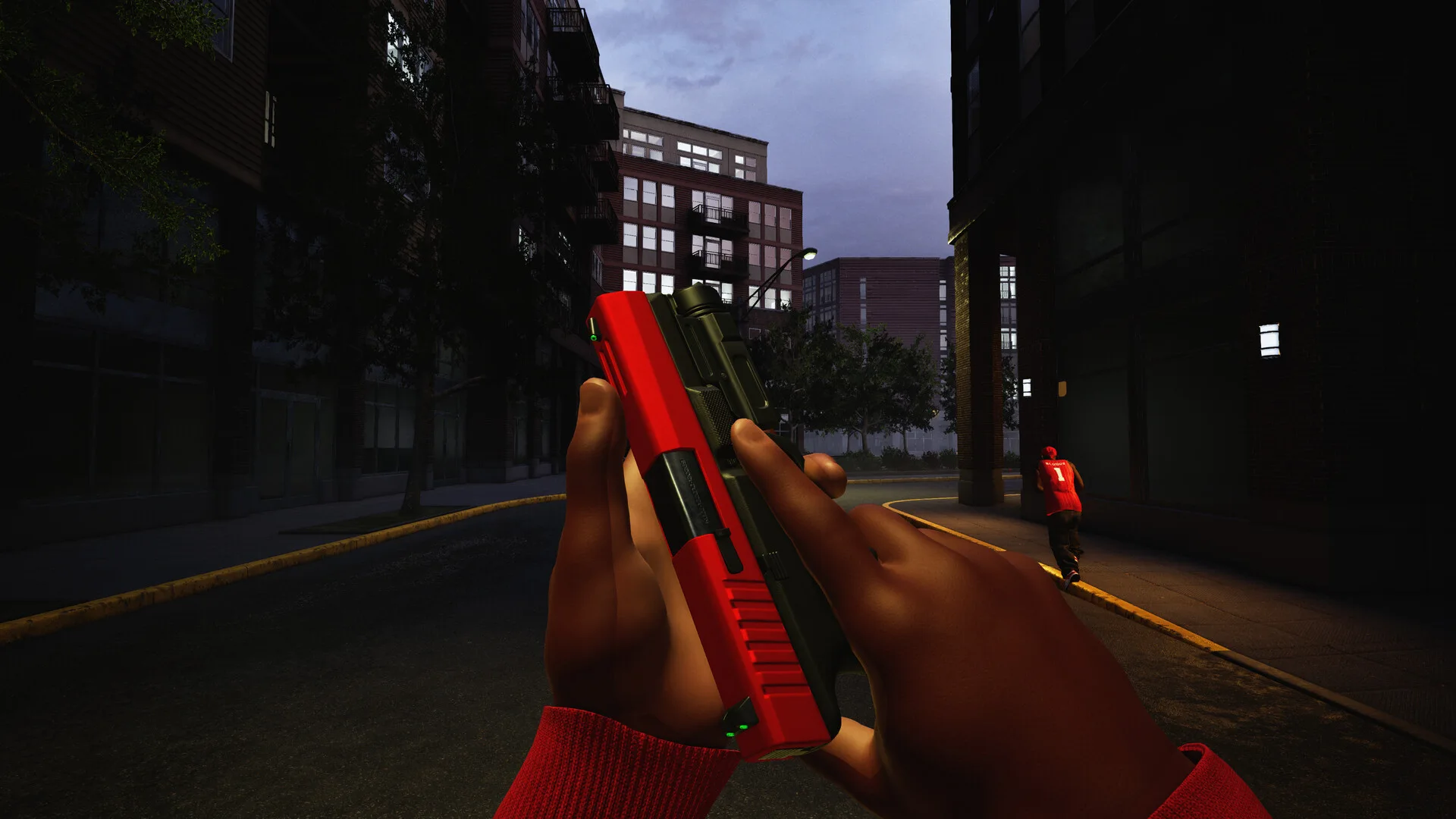
This promotional street view shows a pistol, with no challenge text, target or progress counter. Do not infer a skin requirement from its red finish.
In your matchBefore adding a goal, open your current game’s challenge display. Copy its weapon name, exact condition, target and current count into the fields above. After a session, update Current from that same display.
© Trapstar Games · Official promotional images, archived 2026-10-14, visually reviewed 2026-10-21; capture build unspecified. Action notes are editorial practice suggestions. Media sources and archive notes